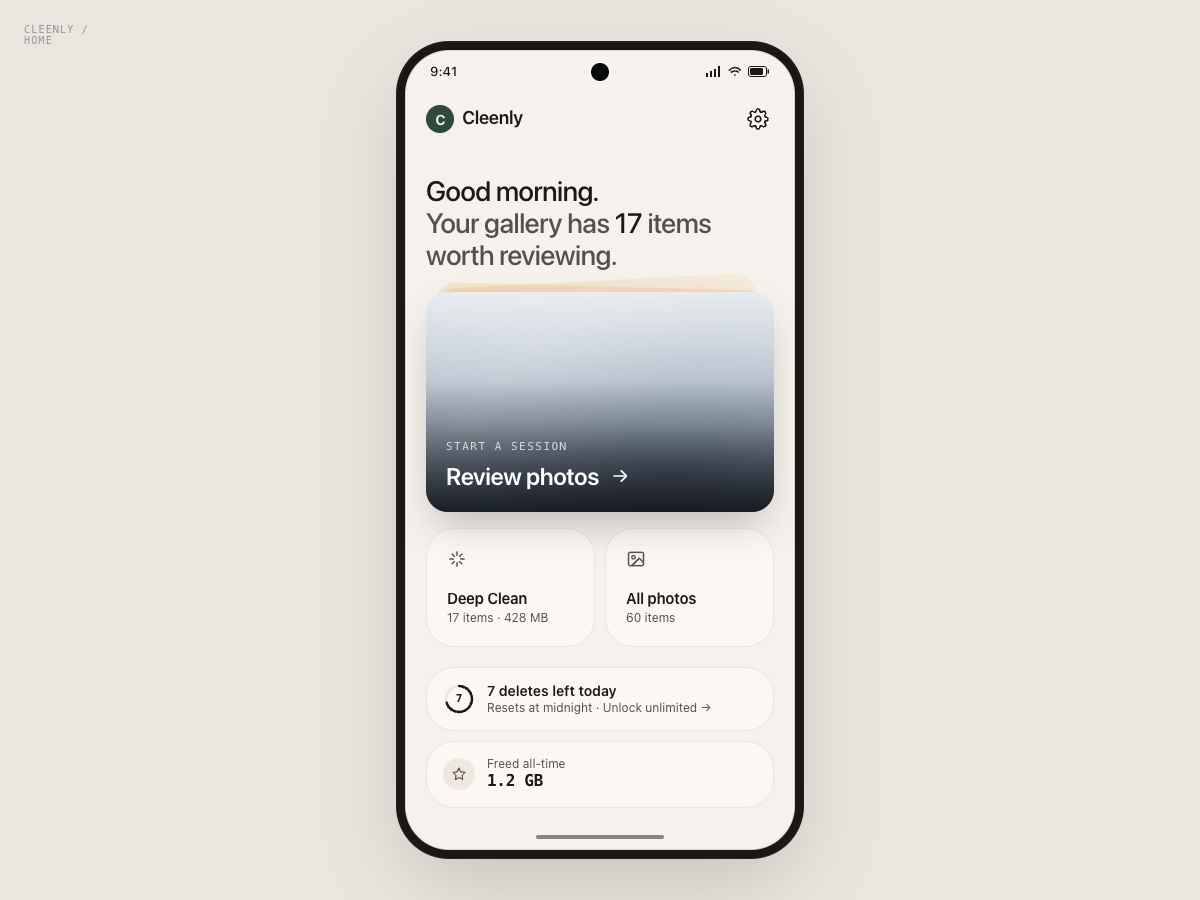
Android Gallery Cleaner

Cleenly

Swipe. Keep. Delete.

Your camera roll is full of duplicates, blurry shots, and screenshots you forgot about. Cleenly turns decluttering into a satisfying swipe-by-swipe ritual — entirely on your device.

Photos never leave your device. Privacy Policy →

9:41 ▐▐ ●●●
Cleenly
← delete      keep →
247 photos

How it works

Three steps to a
cleaner gallery.

01
👆

Swipe to decide

Swipe right to keep a photo, left to mark it for deletion. One photo at a time — no overwhelm, just flow.

02

Batch confirm

Review your choices and confirm all deletions in one go. Android's system dialog keeps you in control at every step.

03
📦

See what you freed

Watch the storage number drop. Real gigabytes back in your pocket — instantly.

App Preview

Cleenly app — photo swipe interface
🔒

Privacy by default. Not by policy.

No account. No uploads. No analytics. Cleenly runs entirely on your device — your photos are never seen by anyone but you. Read the full privacy policy →